Credentials is the functionality available on the Distributor Portal that allows Distributors to create and input their credentials that was provided to them by their ISVs or Vendors. This process ensures that the Distributor is using the secure credentials in the configuration outlined by the Vendor so that it is accepted and processed correctly.
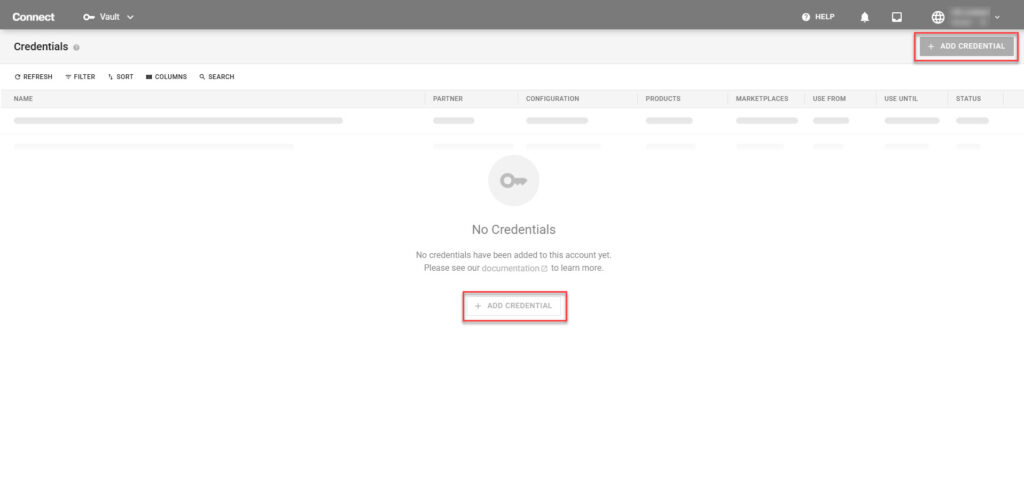
Click the Add Credentials button to launch the Add Credentials creation wizard.
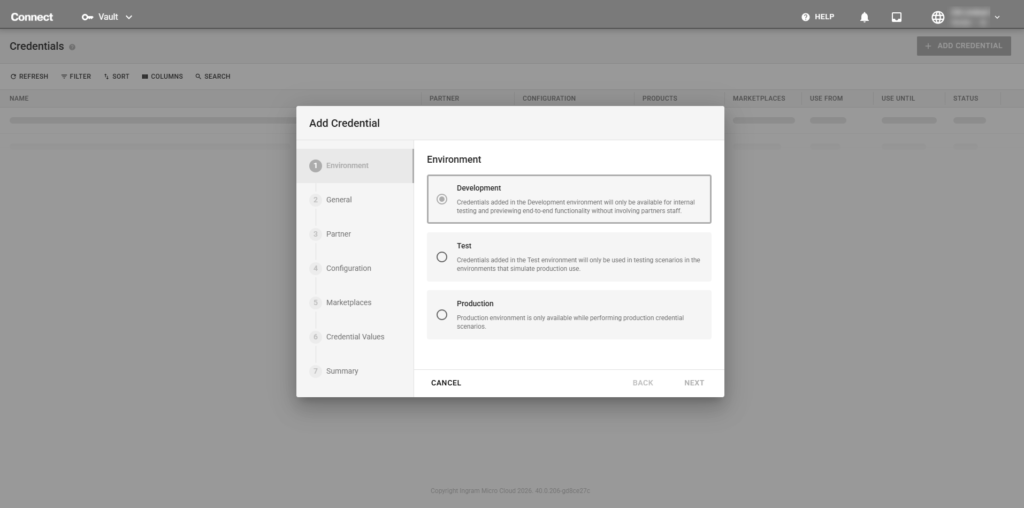
To start the credential management process, specify what type of environment the credentials were created for
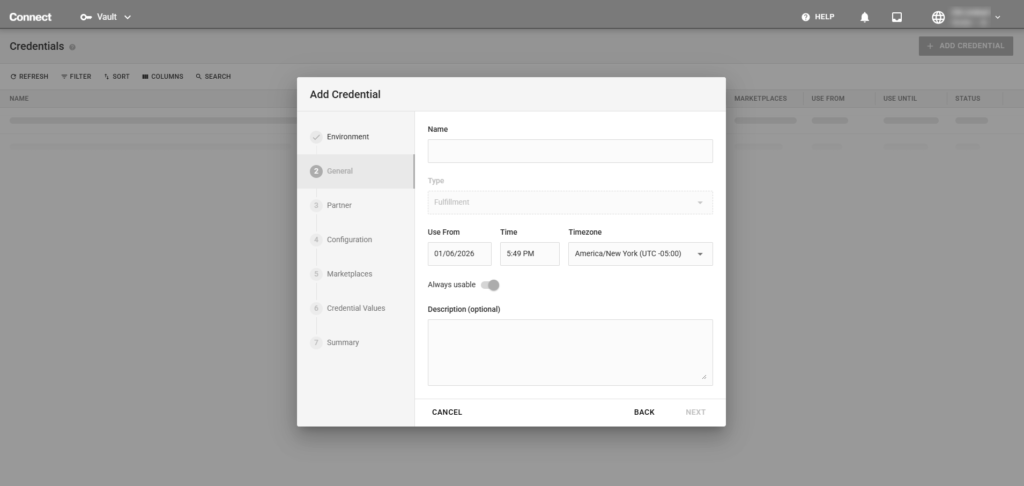
In this section, fill out the general information that will be used for these credentials
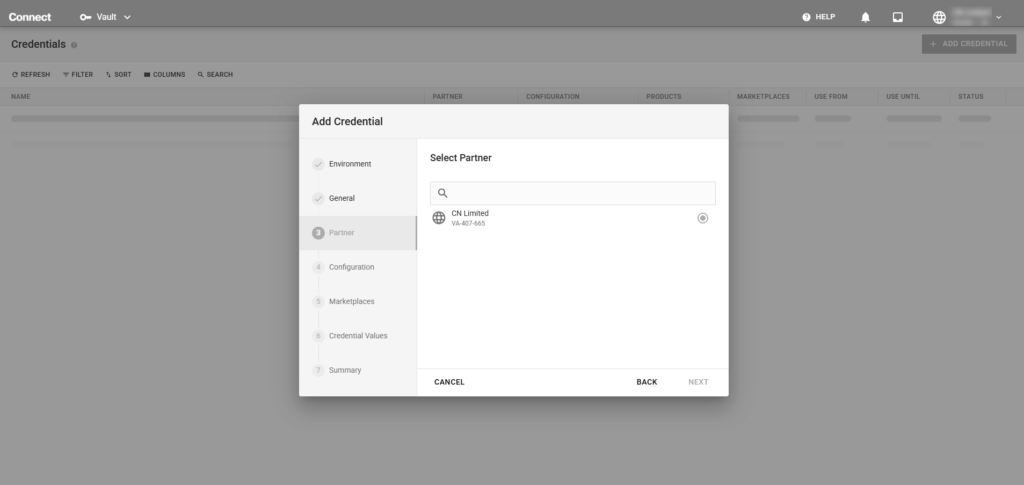
Select the Partner that provided these credentials or the Partner that these credentials are valid for.
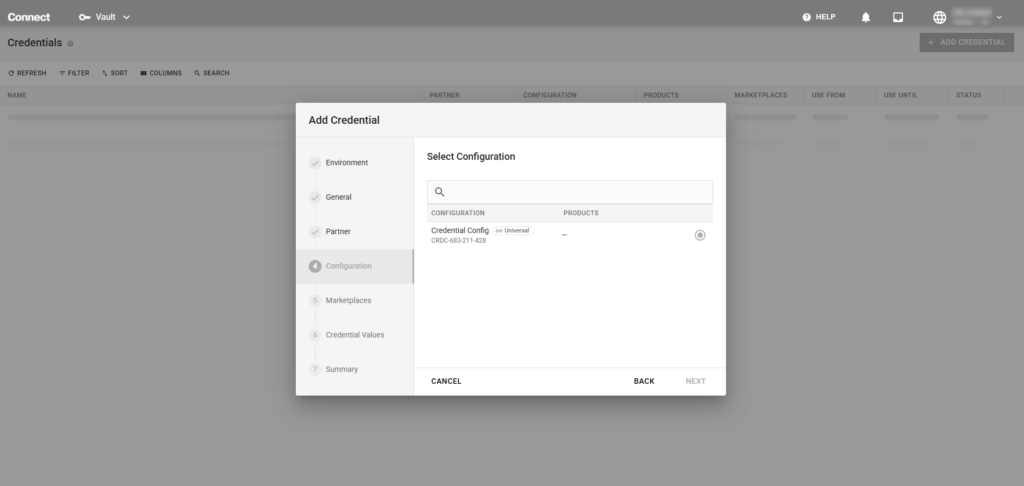
Select the credential configuration that was provided by the Vendor. Vendors must have a published credential configuration in order for Distributors to select it in this section.
In this optional step, if the credentials are only valid for a specific marketplace(s), select the appropriate marketplace(s).
In this section, the partner’s credentials can be added. The credential fields are dependent on the credential configuration provided by the Vendor in Step 4.
Once the wizard has completed, there will be a Summary step that shows the added credentials and the high level details. From here, you can close the dialog box or click Go To Details to view additional information about and to publish the Credential Configuration