Credential Configuration is the functionality available on the Vendor Portal that allows Vendors to set up the configuration for their partner’s to input their appropriate credentials. This process ensures that the Vendor system receives the secure credentials in the correct structure during the appropriate authentication scenario.
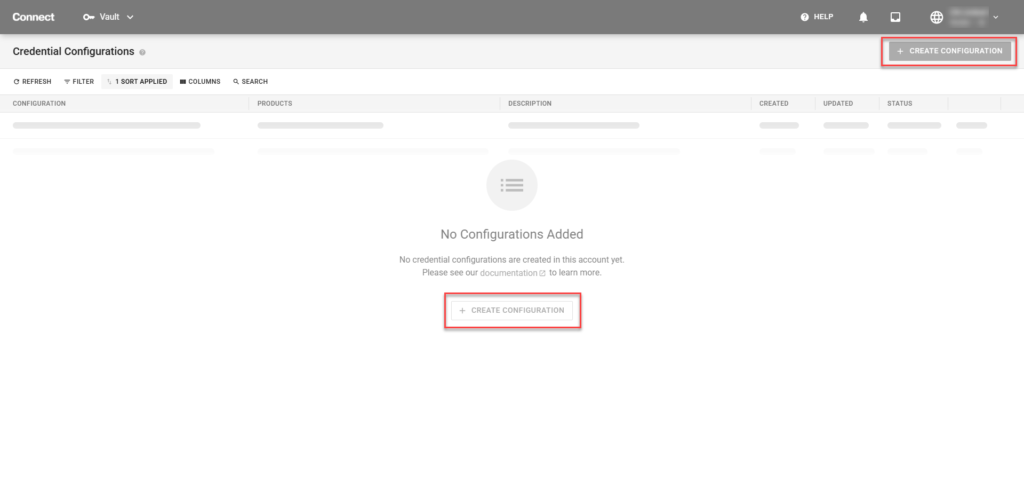
Click the Create Configuration button to launch the Credential Configuration creation wizard.
In this section, fill out or select the appropriate information as it relates to the specific credential configuration.
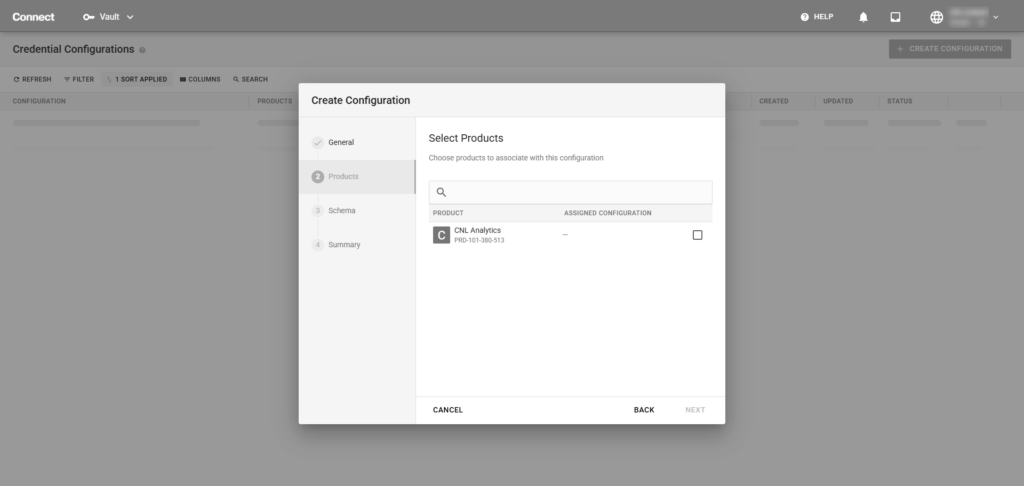
Note: This step is only available if Specific Products is selected in Step 1.
Select the appropriate product(s) that the credential configuration is applicable for.
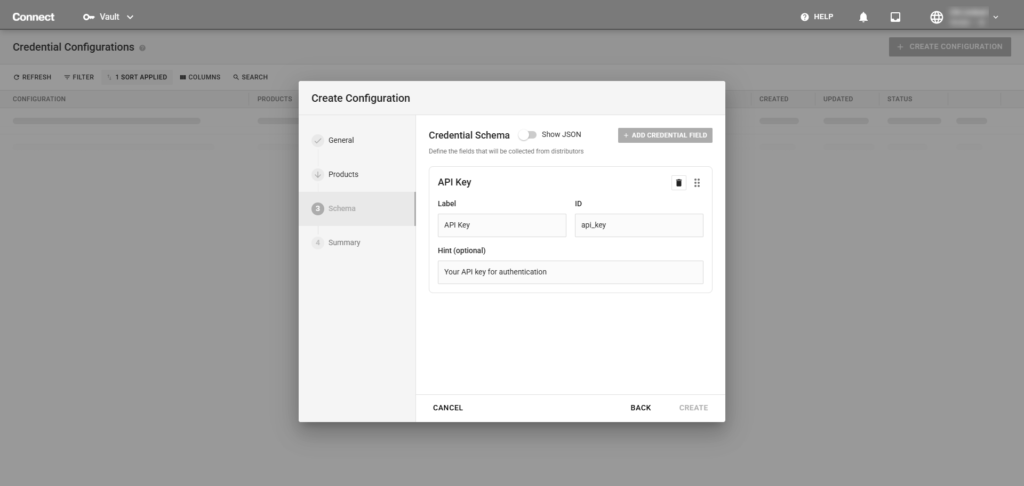
In the Schema section, please add the appropriate and correct credential fields, along with a label, ID, and optional hint. These fields should reflect the credential type that the partner’s have received (e.g. client ID, client secret, API key, JSON key file, etc.). For further customization and specific inputs, use the optional JSON editor.
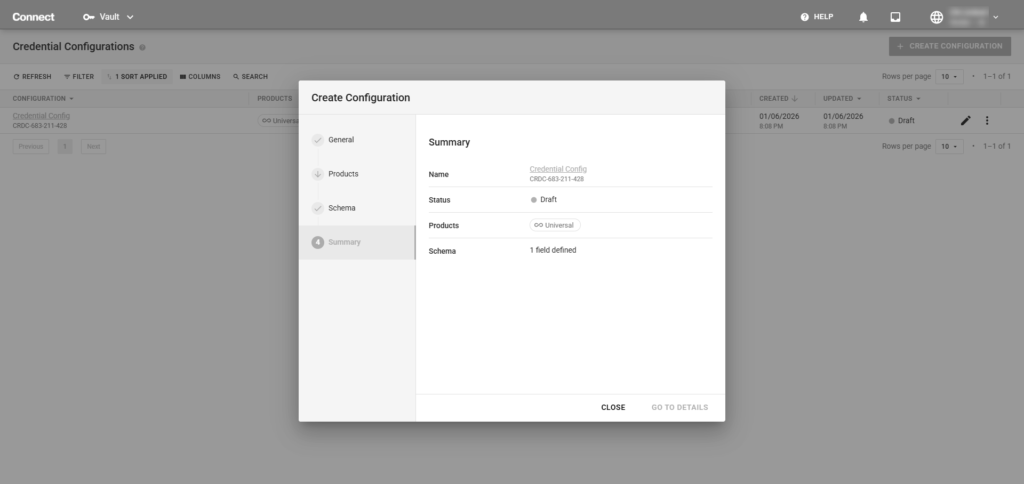
Once the wizard has completed, there will be a Summary step that shows the Credentials Configuration and the high level details. From here, you can close the dialog box or click Go To Details to view additional information about and to publish the Credential Configuration
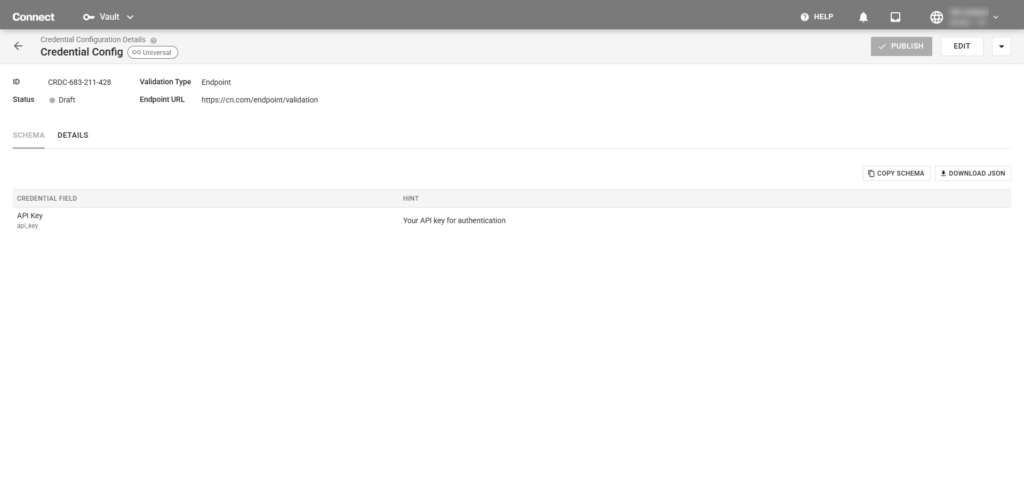
The Credential Configuration Details page displays all the information regarding the specific credential configuration. If there are any changes required, it can be implemented here. Once the credential configuration is finalized, it can be published.
Once the Credential Configuration is published, it is made available to the Distributor Partners in which the Vendor has a program agreement with.