The Packs module allows you to configure information packages appropriate for your different types of resellers that are interested in selling available products within your product catalog in a multi-tier distribution model on the CloudBlue Connect® platform.
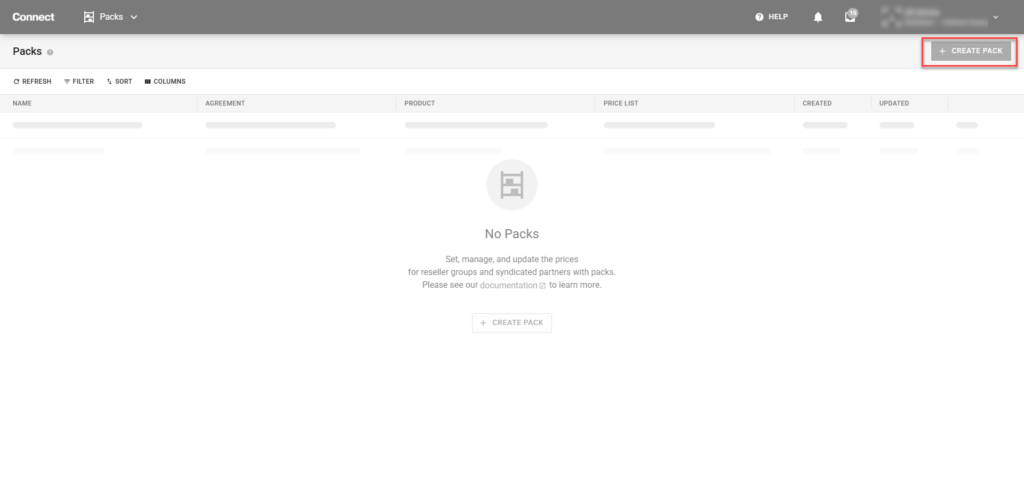
Navigate to the Packs module. Within the Pack module, click the Create Pack button at the top-right corner.
The following walk through wizard will become available:
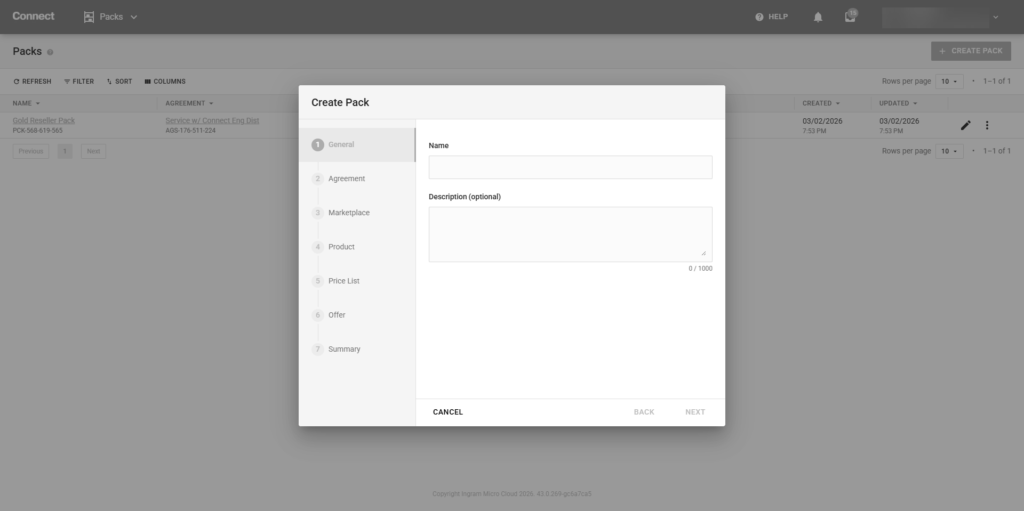
Once the wizard is completed, the newly created Pack will be available within the Packs module.
Within the Reseller portal of CloudBlue Connect®, navigate to the appropriate catalog within the Catalog module.
Once the desired product is selected, select the syndication contracts tab and enroll in the appropriate marketplace. When complete, the product status will be marked as Active.
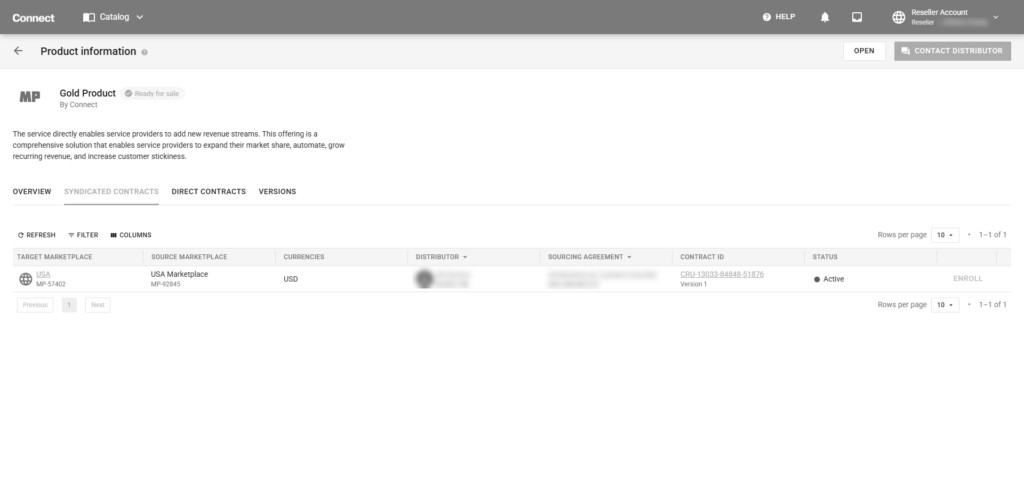
Once the Product status is marked as Active within the Catalog, any associated packs with the exact configured dimensions (sourcing agreement, marketplace, and product) will be made available to the Partner that enrolled within that syndication contract.
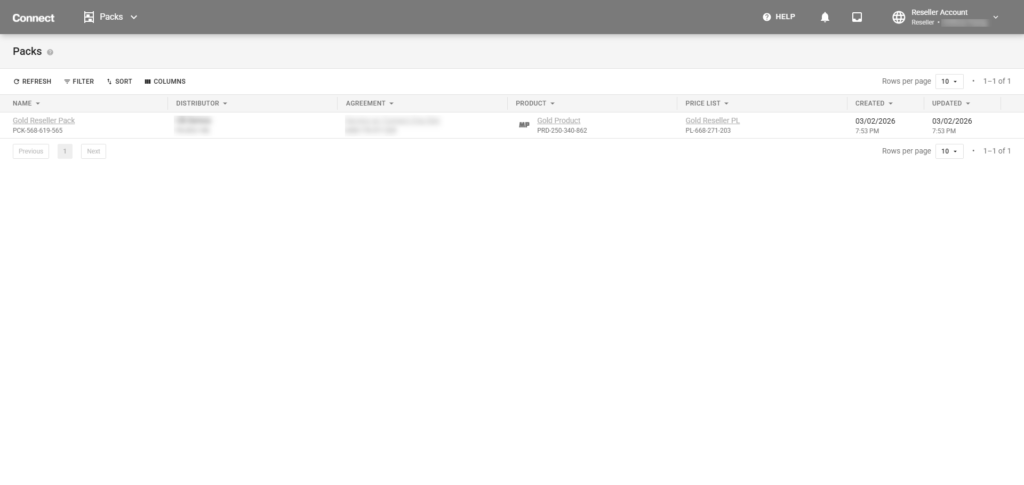
Once the Pack is confirmed available within the Reseller Portal’s Pack module, the information may also be seen directly within the Price module and other associated modules within the platform.